Tutorial 3 of 8
See what changed — runs, baselines and a DNS migration
Intermediate 8 min
Every run is kept. Pin a baseline before a change, run again afterwards and read exactly which records, name servers, certificates and findings moved.
Signalhouse keeps every run of a project (up to 40; a pinned baseline is never dropped). The Changes view (key 4) compares any two of them.
The migration workflow
Open the template DNS migration watch (Project → New from template…) and replace example.net with your domain in the Target view (Target details and inputs → Domain). The suite is Global DNS, DNS & certificate and Mail security.
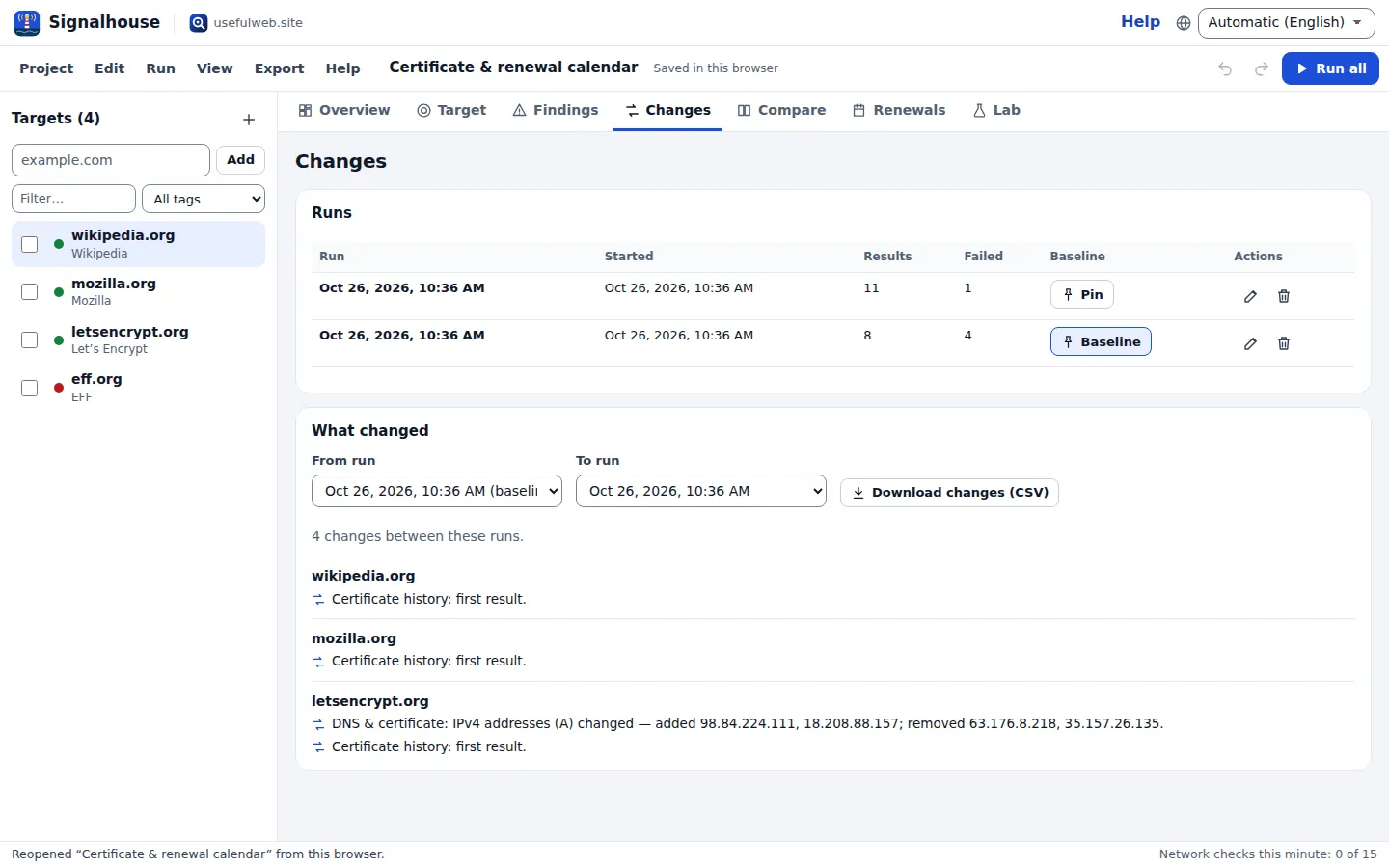
- Before the change: press Run all. In Changes → Runs, press Pin on this run. It becomes the baseline.
- Make the change at your DNS provider or host — new name servers, a new A record, a new mail provider.
- After the change: run again, a few times over the next hours. Global DNS shows whether all authoritative name servers already answer the same (SOA serials, lame delegations, DNSSEC).
Reading the changes
What changed compares From run (the baseline, or the run before the latest) with To run. For each domain you get one line per change:
- status and grade/score changes (“Mail security: grade changed from C to B.”),
- facts that were added or removed — IPv4/IPv6 addresses, MX and NS records, CAA issuers, certificate issuer and end date, technologies, CDN, BGP prefix and origin AS,
- findings that are new or resolved,
- checks that have a first result.
Volatile numbers such as “days left” are not reported as changes; the Renewals view covers them. Download changes (CSV) exports the list.
Managing runs
Rename a run (“before NS move”) with the pencil button, delete runs you do not need, and unpin the baseline to go back to comparing the last two runs. A run that is still in progress cannot be deleted.
Re-run reminders
Signalhouse does not run while the page is closed. In Renewals, set Re-run reminder (daily, weekly …) and download the calendar: it contains an event for the next run, next to certificate and domain dates.
Ready to try it?